SpoorSlim · H0
The real H0 layout behind SpoorSlim
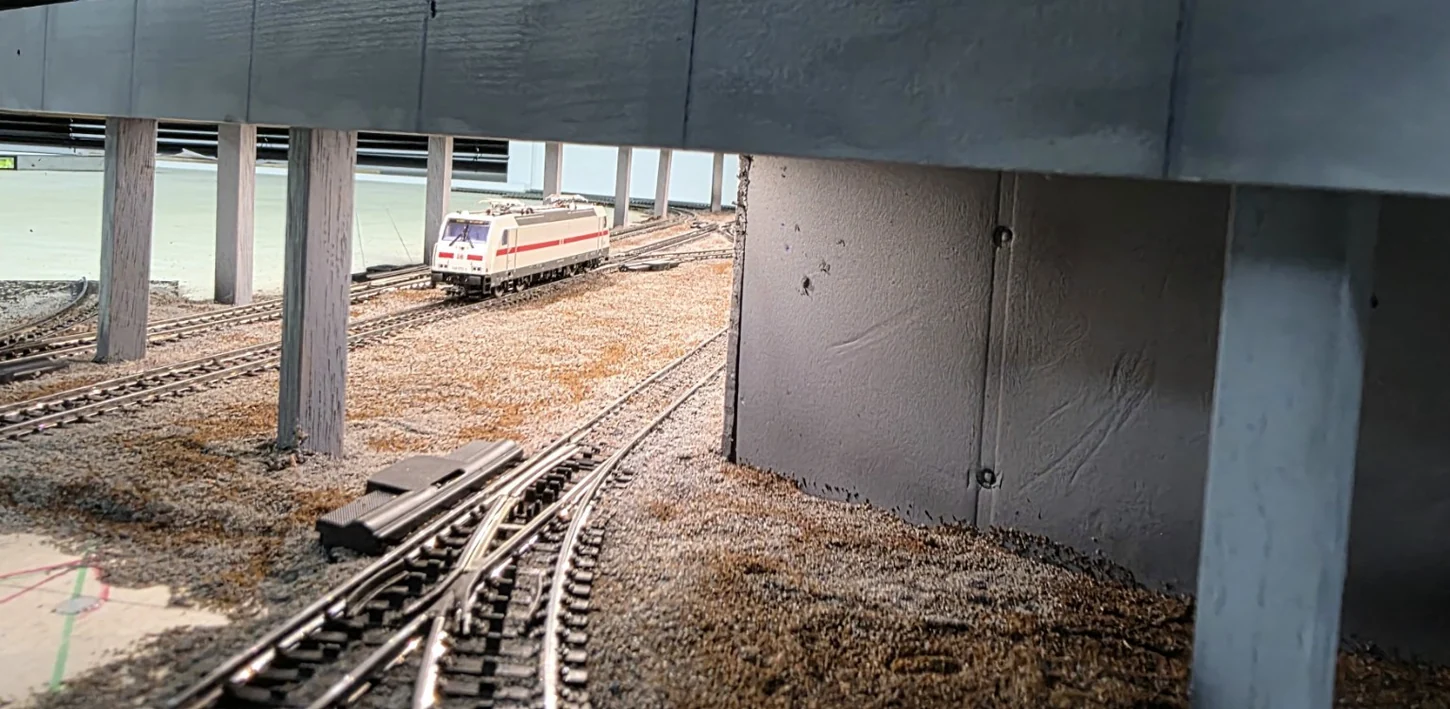
Design your model world with SpoorSlim.
Design custom platforms, retaining walls, tunnel portals and stairs. Choose STL for 3D printing or PDF/SVG cutting templates to build by hand with XPS foam or cardboard. Cutting templates are available for compatible designs and settings.
Modelbouw Studio · 3D print or cut by hand
Platforms · retaining walls · portals · stairs
Choose dimensions, scale and stone pattern. View a simplified 3D preview and save your design as JSON.
Before ordering, choose “Build by hand · PDF/SVG + STL” under “How do you want to build?”, select XPS or cardboard and enter the material thickness. This building method does not require a 3D printer.
Want your own design? Lock it in the studio and pay €3.95 per design via Payhip. You get the STL files and, where your design allows it, manual cutting templates (PDF/SVG) for XPS foam or card.
Browse the H0 collection: 23 sets, 4 bundles and the station collection.
Plan, measure and test your H0 layout, one step at a time.
A compact PDF handbook for H0 modellers building with Märklin K track, C track or 2-rail. Learn to divide your layout into blocks and detection sections, label your wiring, connect feedback to your software and prove every step before you build on it. Includes eight worksheets to fill in for your own layout.
- 72 pages
- 8 worksheets
- K track · C track · 2-rail
Checkout via Payhip, an external payment page · opens in a new tab
One purchase = one language edition: English
Sound familiar?
Will this fit my space?
Turn train length, stopping room and access into measurable requirements before you buy track. (pp. 21–24)
Why is my section never occupied, or always occupied?
A fixed fault-finding order from rail to software: one symptom, one test, one change. (pp. 32, 56)
How do I get detection right on K, C or 2-rail?
A separate chapter per track system on isolation, sections and tests. (pp. 34–51)
How do I choose a command station and software?
Selection guidance and starter procedures for iTrain, Rocrail, TrainController and JMRI, plus RailCom explained. It does not replace your own software's manual. (pp. 5, 8–15)
Take a look inside
Pages from the English edition 2.2. Select a page to enlarge it.
Free advice is out there. This brings it together.
One system, checked step by step
Track, detector, bus and software considered together. Start with a three-block test layout, then follow a consistent fault-finding sequence.
Worksheets you can keep using
Eight printable records: requirements, blocks, wiring, locomotives, turnouts, test runs, fault log and approval to extend the layout.
Traceable guidance
Numbered sources (B1–B14) and clear labels: CONFIRMED, ADVICE and STILL TO CHECK. Anything untested is identified as such.
Prefer to read for free first? The Knowledge base (Dutch) covers K-track feedback, iTrain and hidden staging yards.
What is inside
- Choices, planning tools and technical foundationsChoosing a system, AnyRail/SCARM, track systems and protocolspp. 5–7
- Command stations, feedback and RailCompp. 8–10
- Layout control softwareiTrain, Rocrail, TrainController, JMRIpp. 11–15
- Engineering and constructionCurrent sensing, reversing loops, gradients and helices, baseboards and scenerypp. 16–20
- Layout design and operationBlocks, detection, wiring, measurements, first automatic run and fault-findingpp. 21–33
- Track systems: Märklin K, Märklin C and 2-railA dedicated chapter for each systempp. 34–51
- Workshop: measuring and testingpp. 52–56
- Practical case studyHidden staging yard, turnouts, calibration and unexpected routespp. 57–61
- Eight worksheets and source guidepp. 62–72
A good fit if you…
- are planning, building or improving an H0 layout with Märklin K track, C track or 2-rail;
- are starting out, or getting stuck between track, wiring, feedback and control;
- want to choose your own command station and software and need a working method.
Less suitable if you…
- need ready-made wiring diagrams for a specific make and model; the book refers you to your equipment manuals;
- expect a manual for one particular software package;
- expect a printed book, software or hardware.
What you get
- One PDF in the language you chose, for personal use.
- Payment and download run through Payhip. Checkout is in English; your book stays in the chosen language.
- Not included: a printed book, software, hardware or personal coaching.
- Price includes applicable VAT. Payhip allows five downloads per file.
Checkout via Payhip, an external payment page · opens in a new tab
Common questions
Does it fit my track system?
Yes, if you build with Märklin K track, C track or 2-rail (Roco, PIKO, Fleischmann, Trix). All three are in every edition.
Does my layout need to be built already?
No. You start with a small, accessible test section and check one train movement at a time.
Am I tied to the author's equipment or software?
No. The book uses its author's layout as a case study but describes a method you apply with your own command station and software.
Do I get all six languages for €3.95?
No. One purchase is one language edition. Choose your language at the top; other editions are bought separately.
The layout behind the handbook
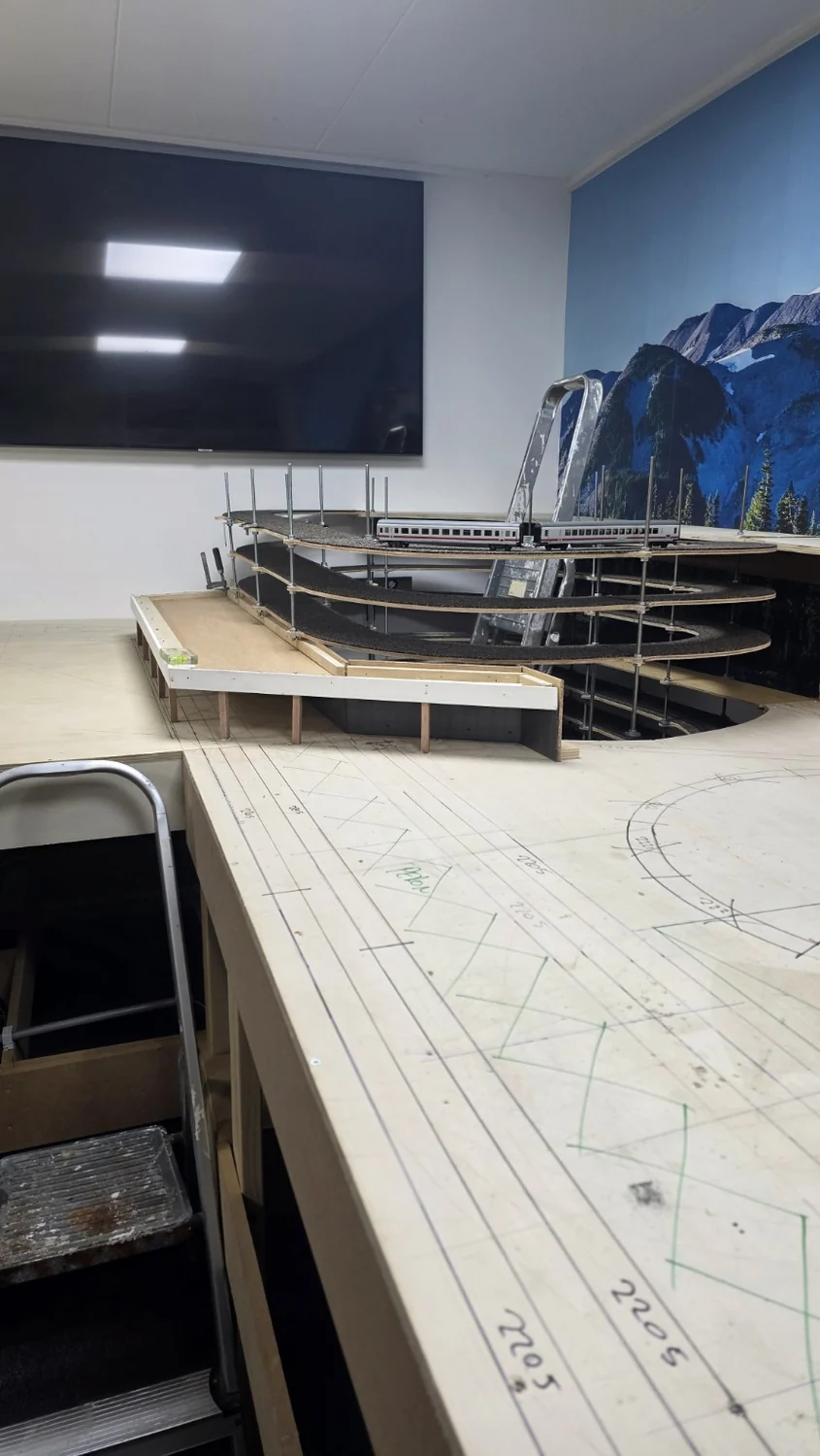
The SpoorSlim H0 layout under construction provides the practical case study behind the handbook.
Your layout data, always at hand
Keep your model railway organised. Components, permanent QR labels, maintenance and photos — including the offline Model Building Studio. The handbook and paid web studio exports are separate products.
One-time purchase · Android 8 or newer. Check Google Play for your local price and availability.
Get it on Google Play →Explore the app →